The numbers a decision needs
Most reporting suites answer questions nobody asked. Telometris reports on the three things a services business actually decides with: is this project profitable, is it on budget, and what did we earn over time. Every figure traces back to recorded hours, expenses, and travel costs.
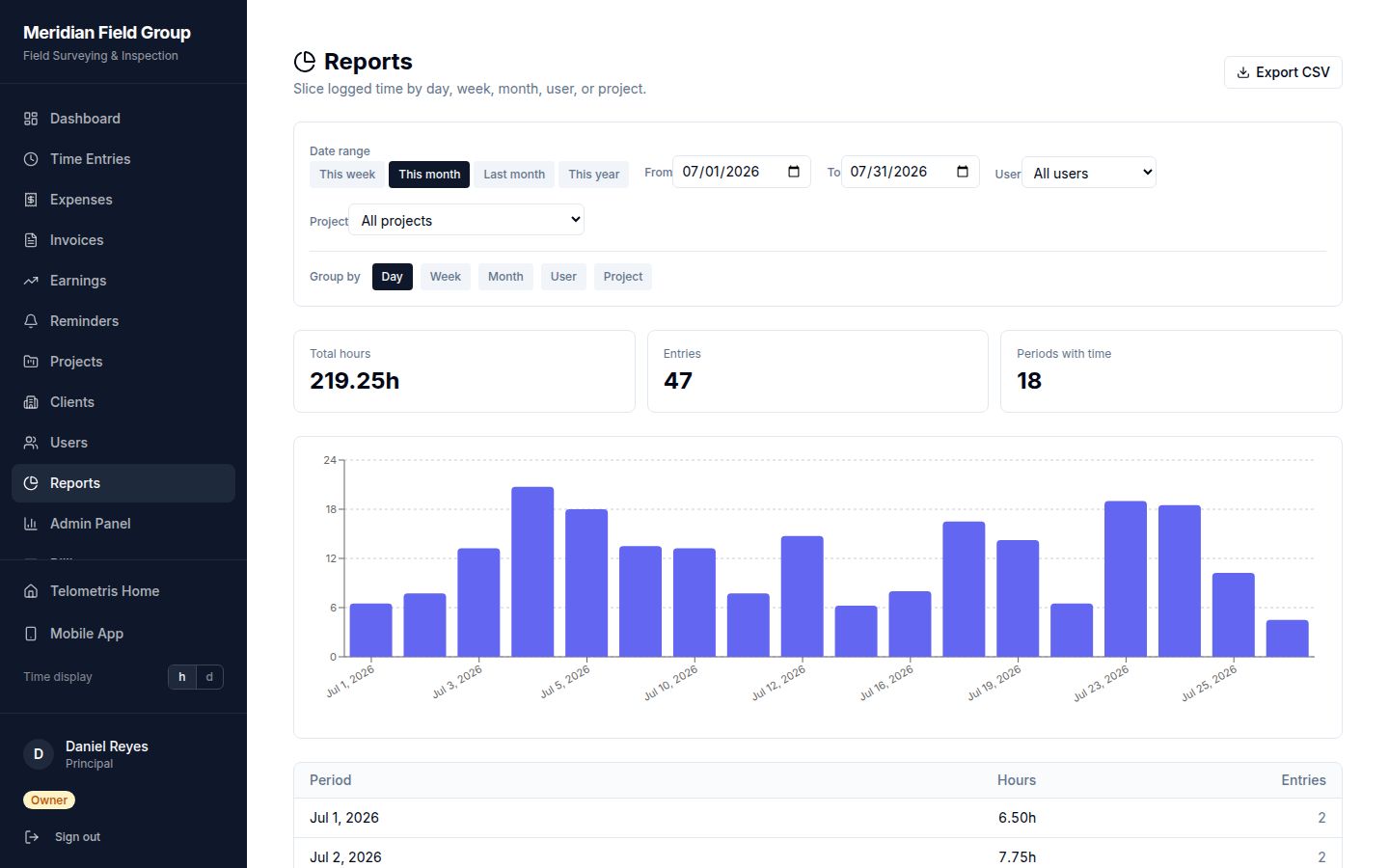
Profitability per project, cost per person
Because every hour carries a wage and a billing rate, and every expense and travel payment is attached to a project, profitability is computed rather than estimated. See margin per project, labor cost per person, and where unbillable time accumulates.
Budget tracking shows burn against plan as the month progresses, with actuals confirmed month by month — so you see a project drifting over budget while there is still time to act.
Filters that answer questions
Slice reports by project, person, date range, or category. Time entries, expenses, and invoices export as CSV for your accountant or spreadsheet. There are no vanity charts and no dashboard grid to configure — the reports exist to end conversations, not start them.
Common inquiries
How does Telometris calculate project profitability?
From the records themselves: billed value from approved hours at billing rates, minus labor cost at wages, expenses, and travel compensation attached to the project.
Can I track a project against a budget?
Yes. Budget reports show actual burn against plan as the month progresses, so overruns surface early rather than at month-end.
Can reports be exported?
Time entries, expenses, and invoices export as CSV at any time — for accountants, spreadsheets, or archives.
Begin recording.
14 days free, then from $5–$8 per user per month. Every feature included.
Start Free Trial